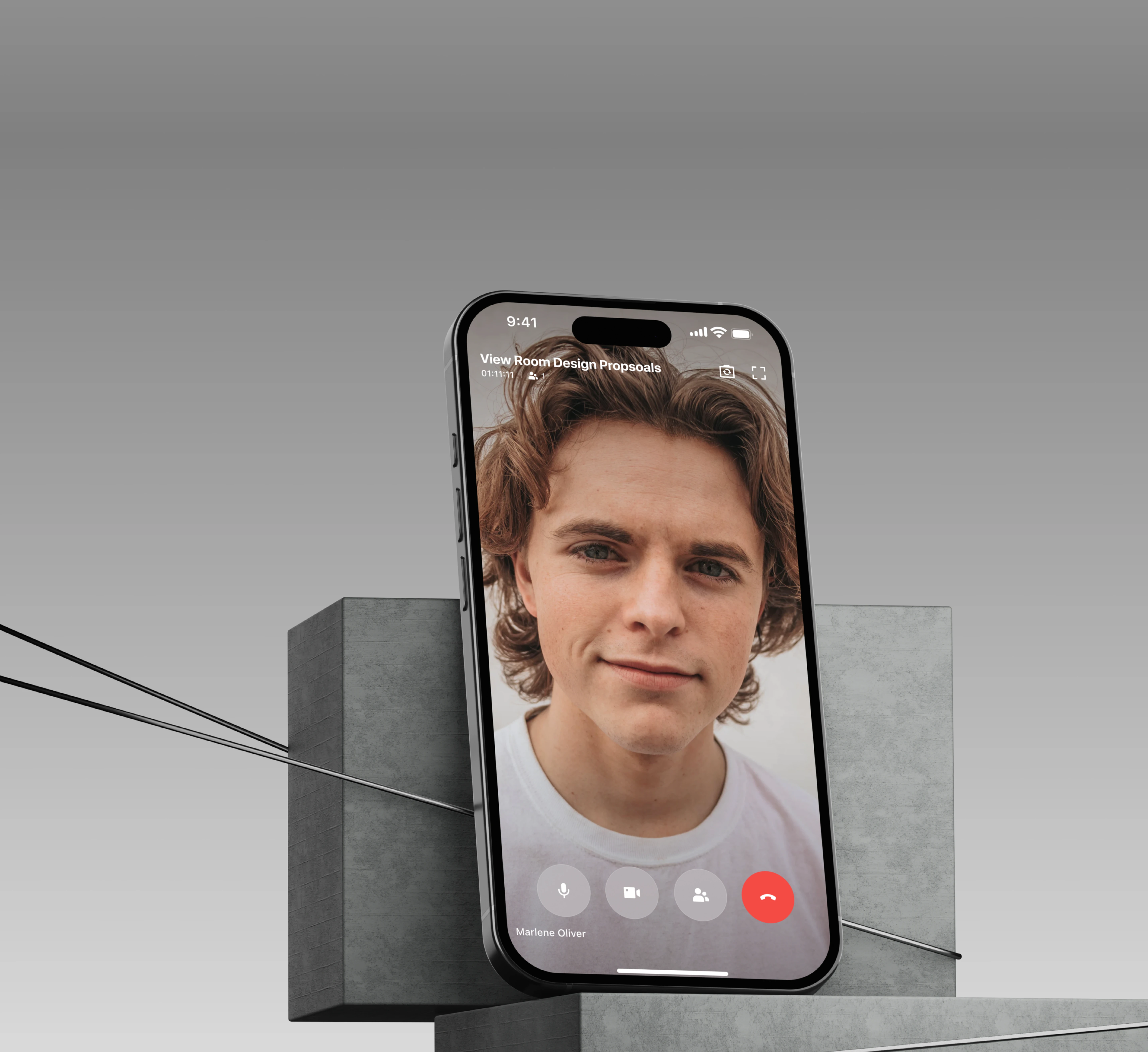

Smooth, collaborative Video Meetings
Feishu Video Meetings
MVP Version
Feishu video meetings are deeply integrated with Chat, Calendar, and Docs, enabling high-quality meetings anytime, anywhere
The experience supports stable multi-party calls, easy livestreaming, and powerful meeting controls
Take your office with you
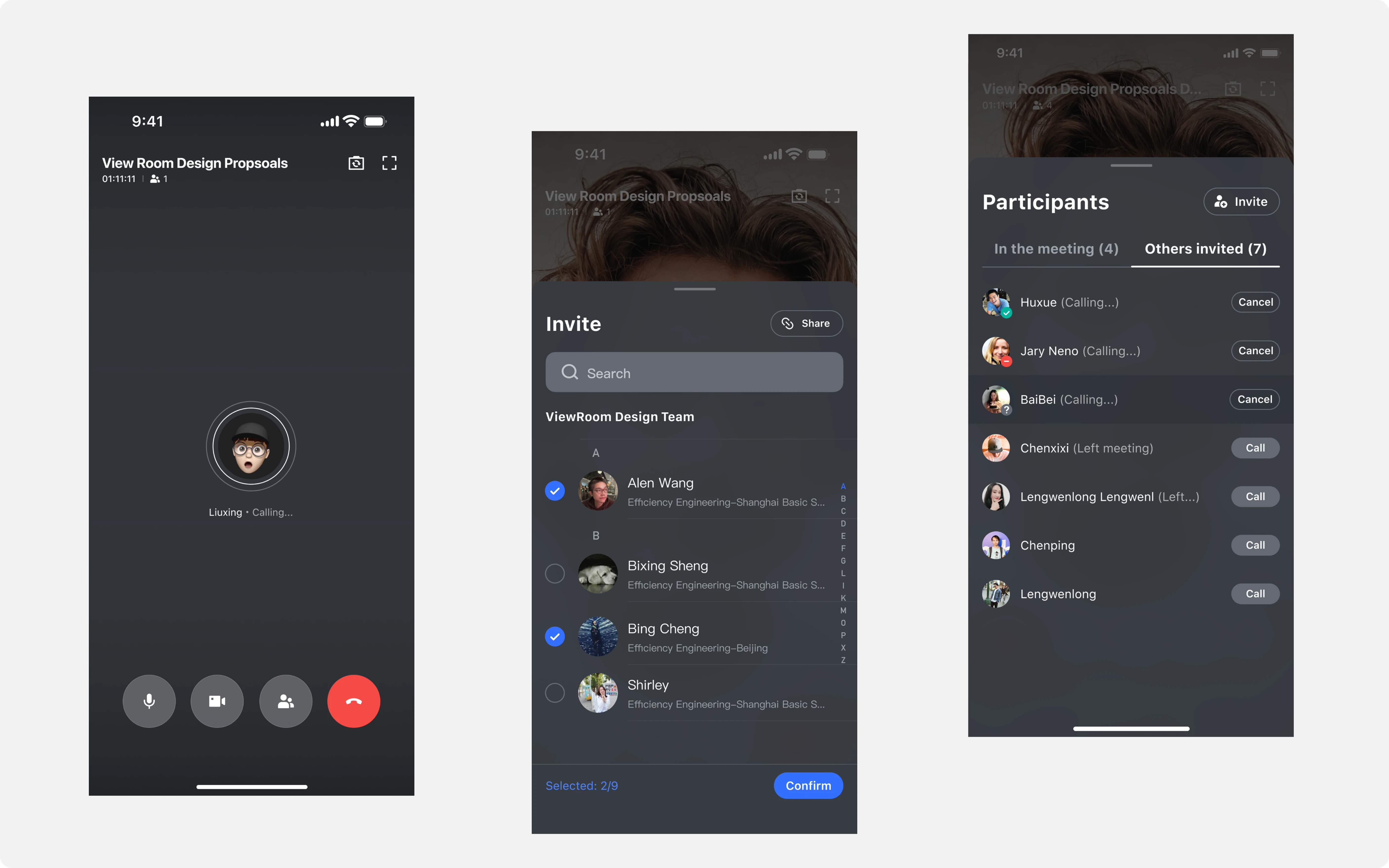
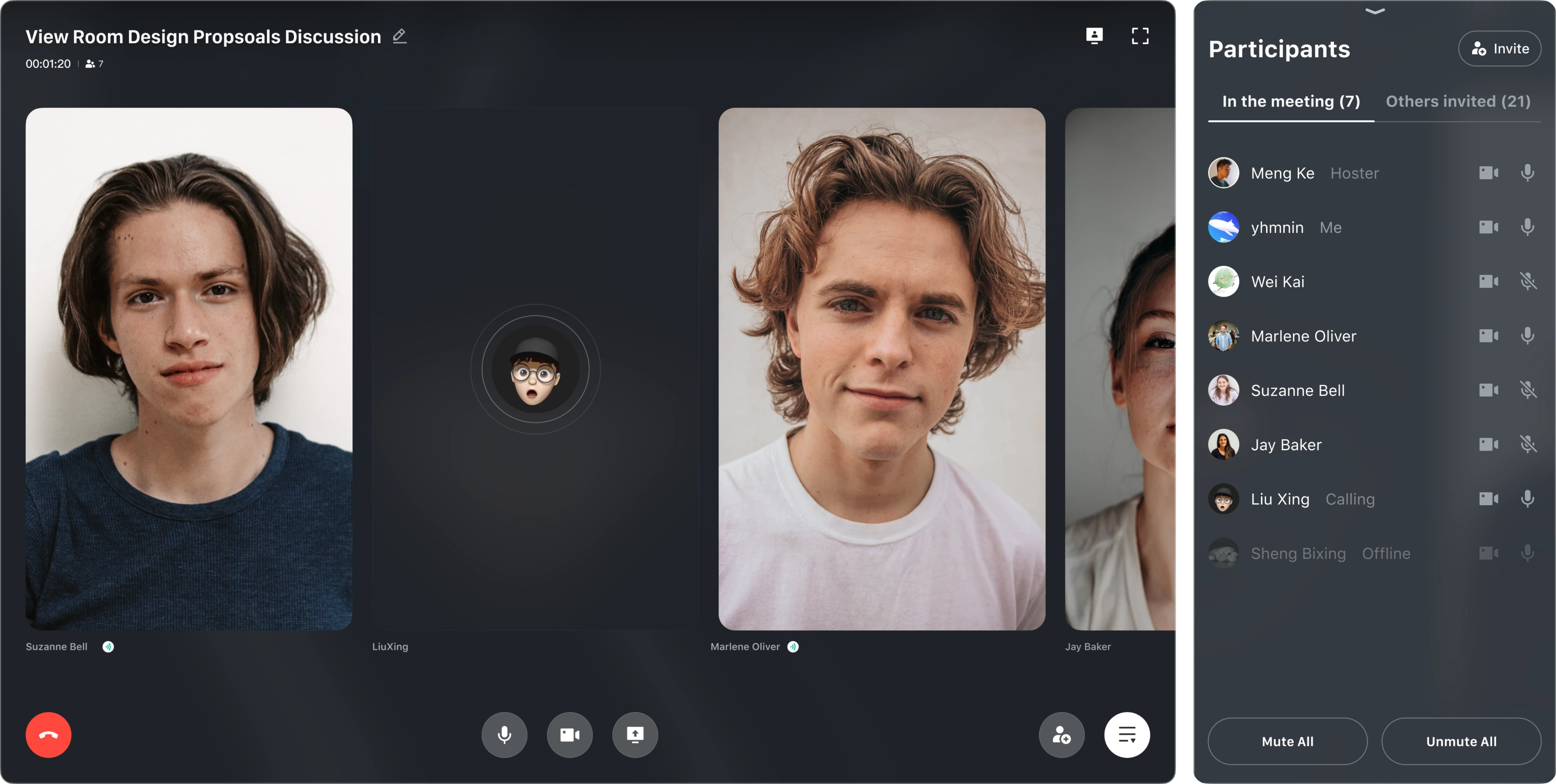
Start or join meetings from a computer or phone, then switch seamlessly across devices for flexible business travel scenarios
Across different network conditions, mobile and desktop meetings supported stable connections for up to 100 participants, improving team productivity and meeting quality
Supports Lark account login
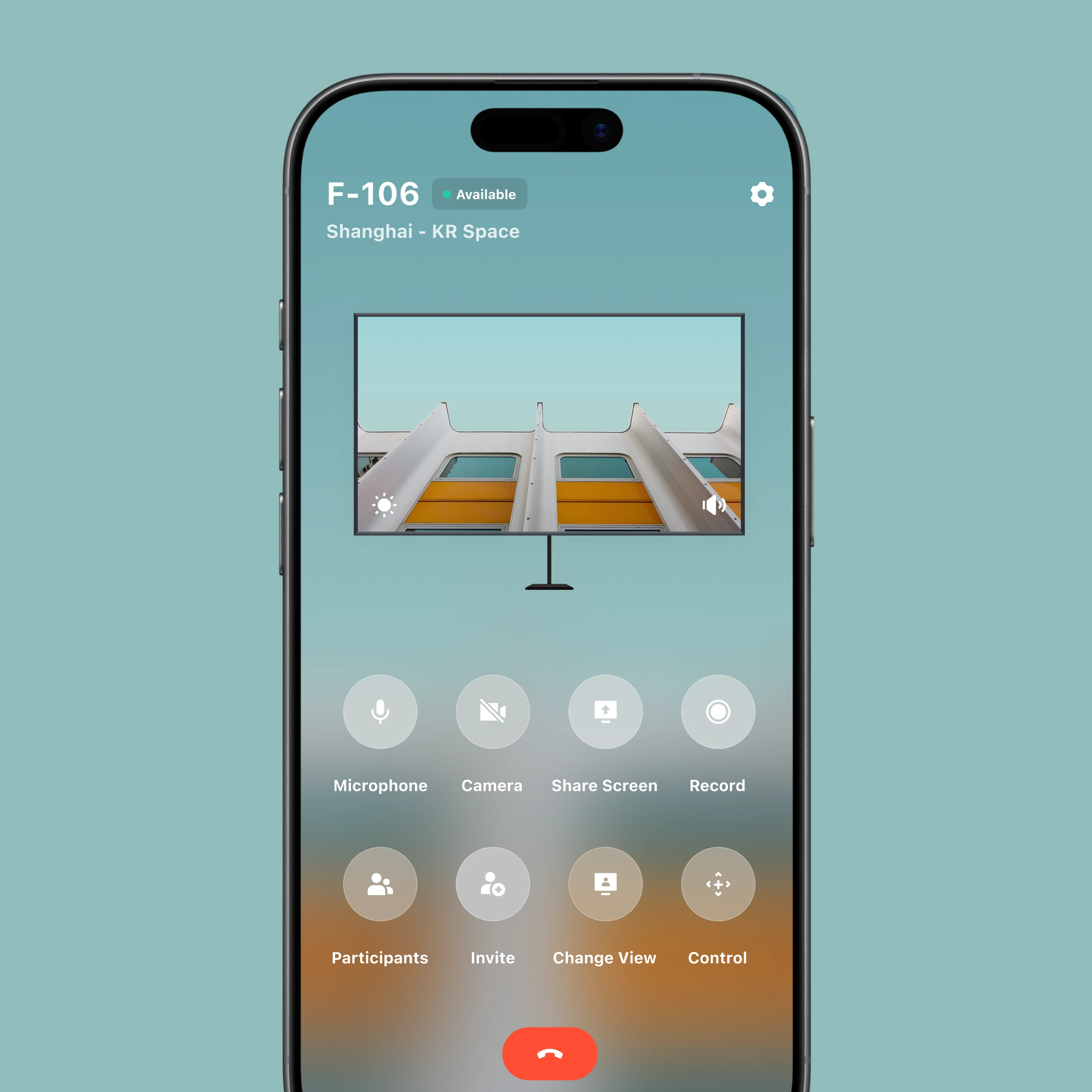
View Controller · iPhone
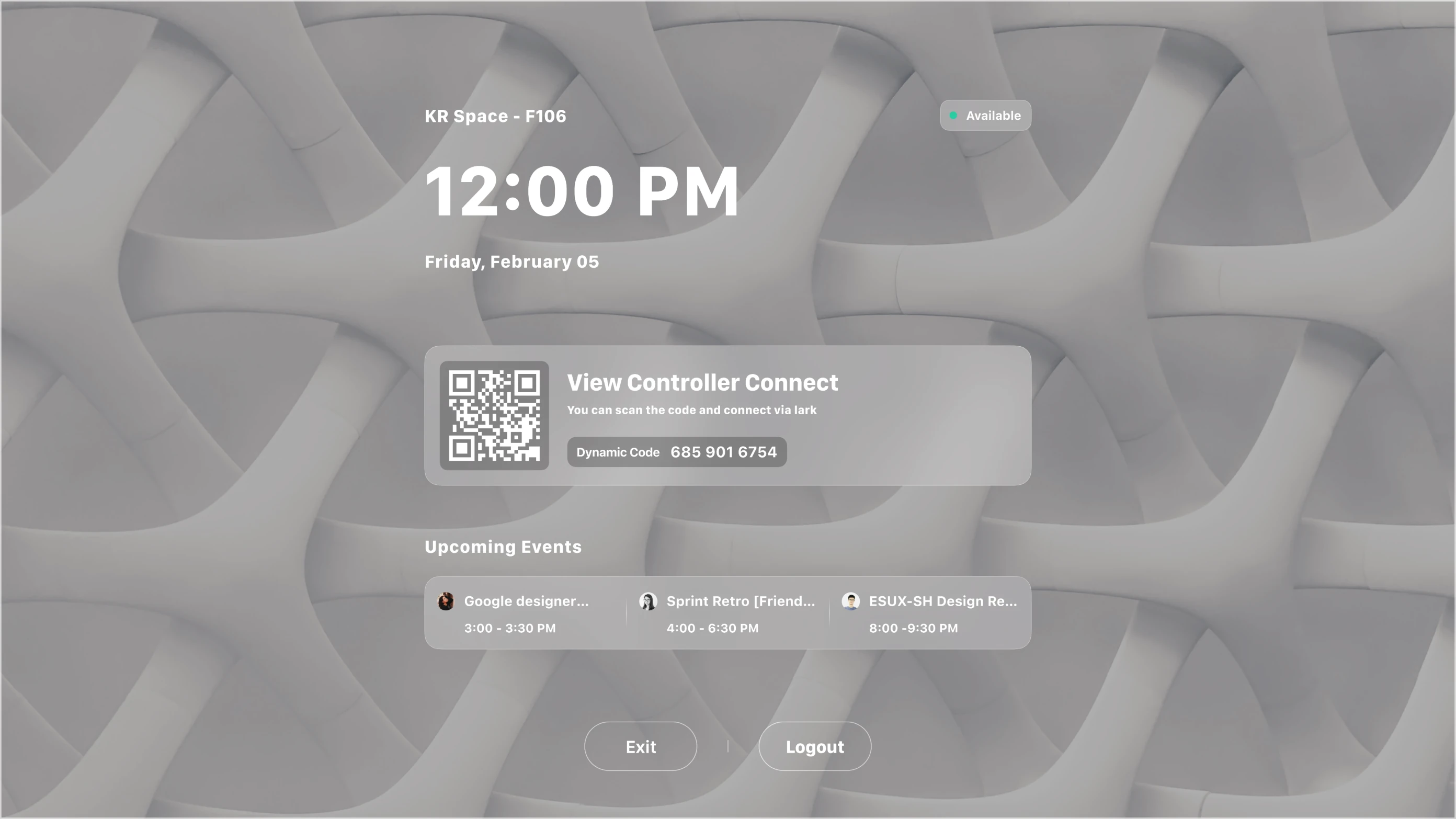
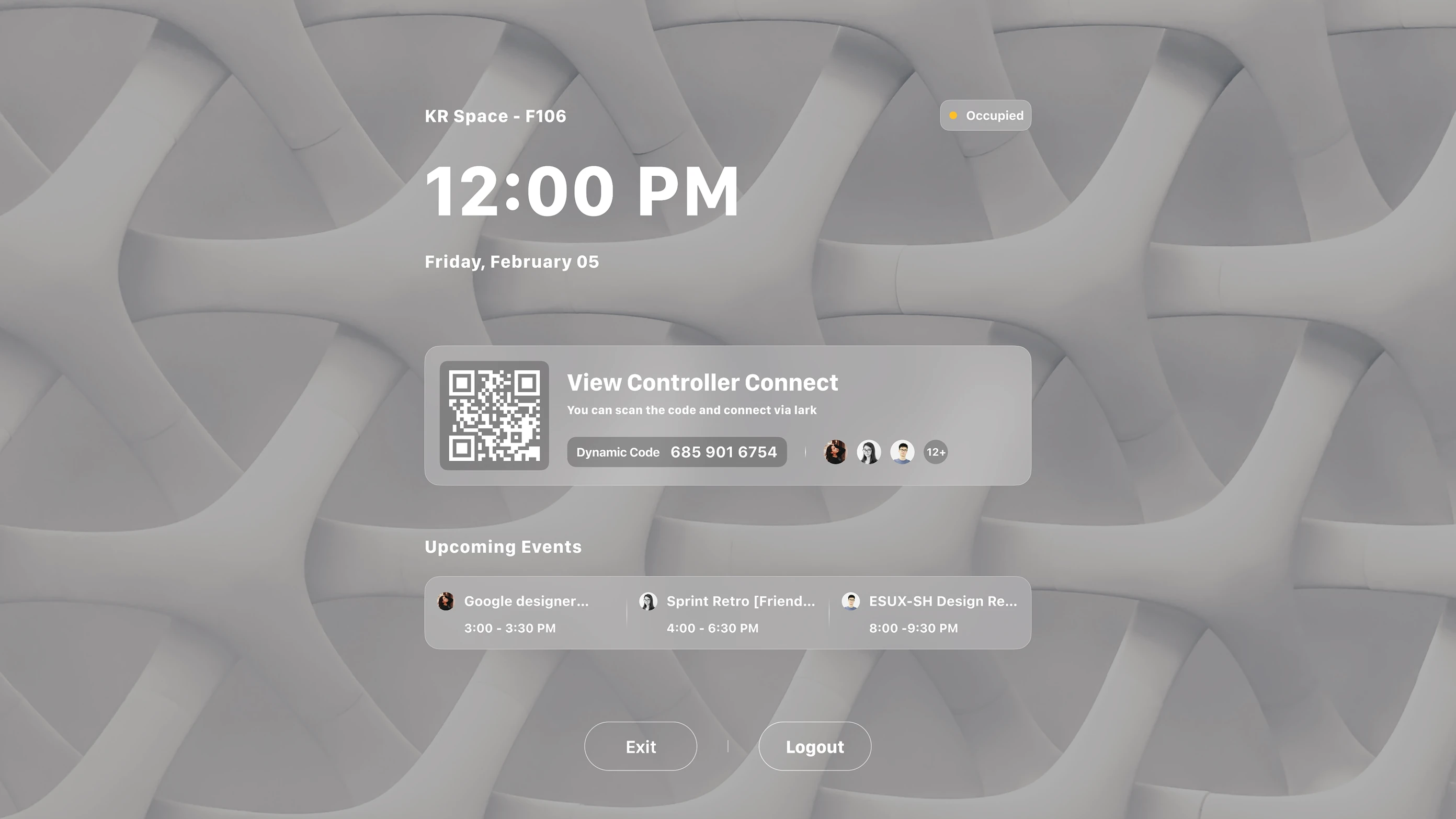
Scan the code or sign in with a Lark account in the mobile app to run View Room on the Mac mini
Then configure the meeting room. Once setup is complete, move into the pairing-code step
View Controller · iPad
System Control
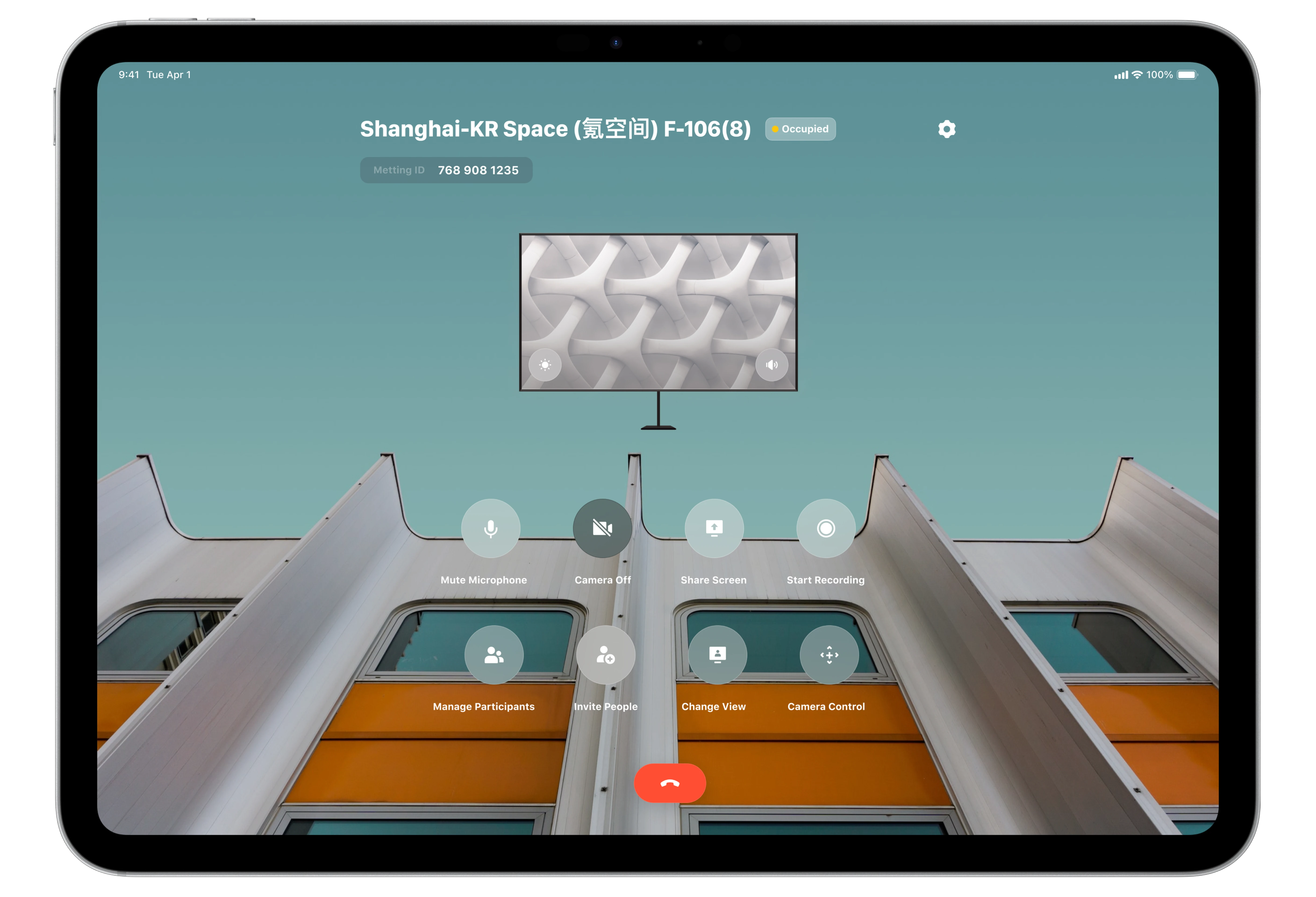
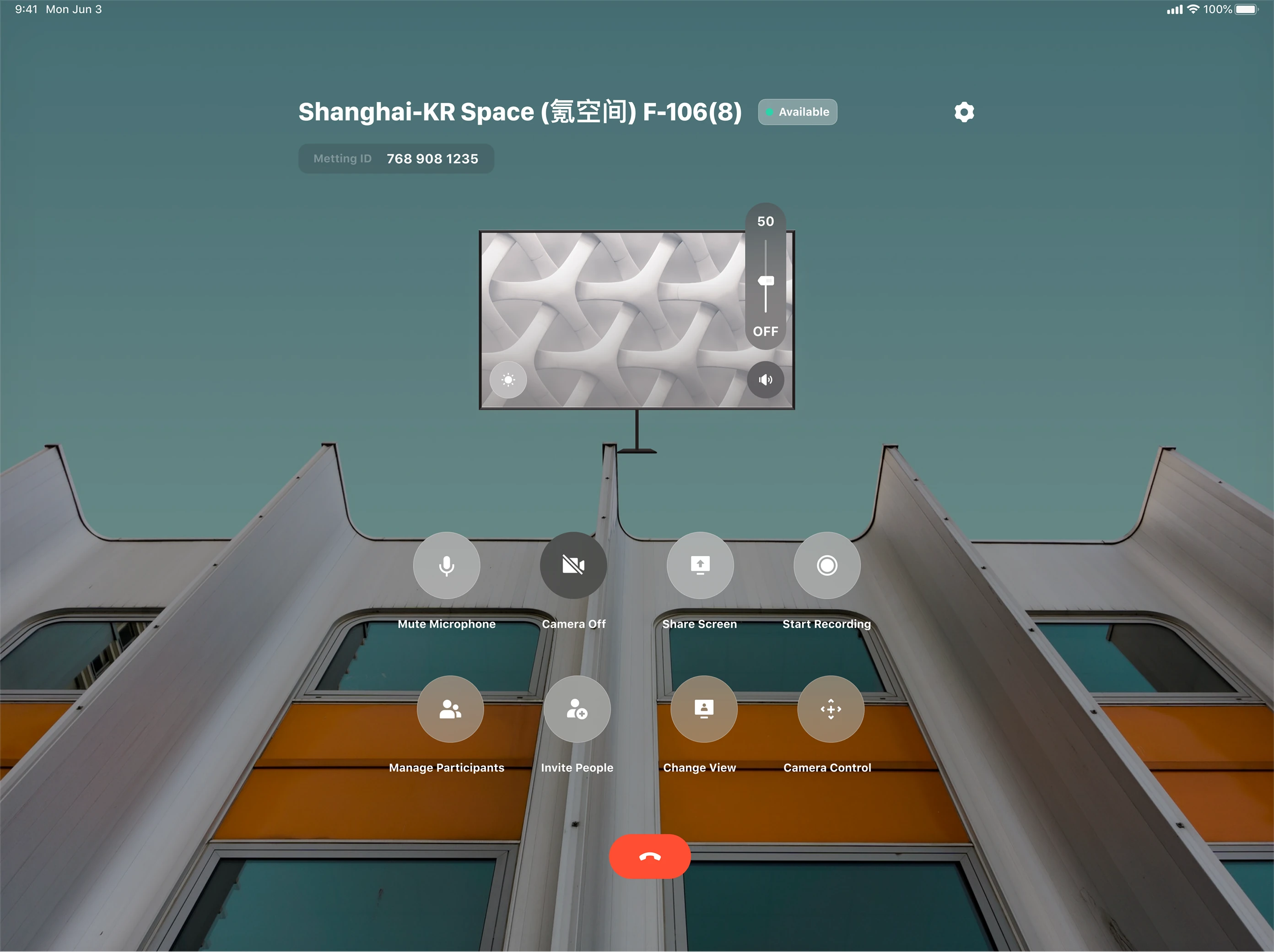
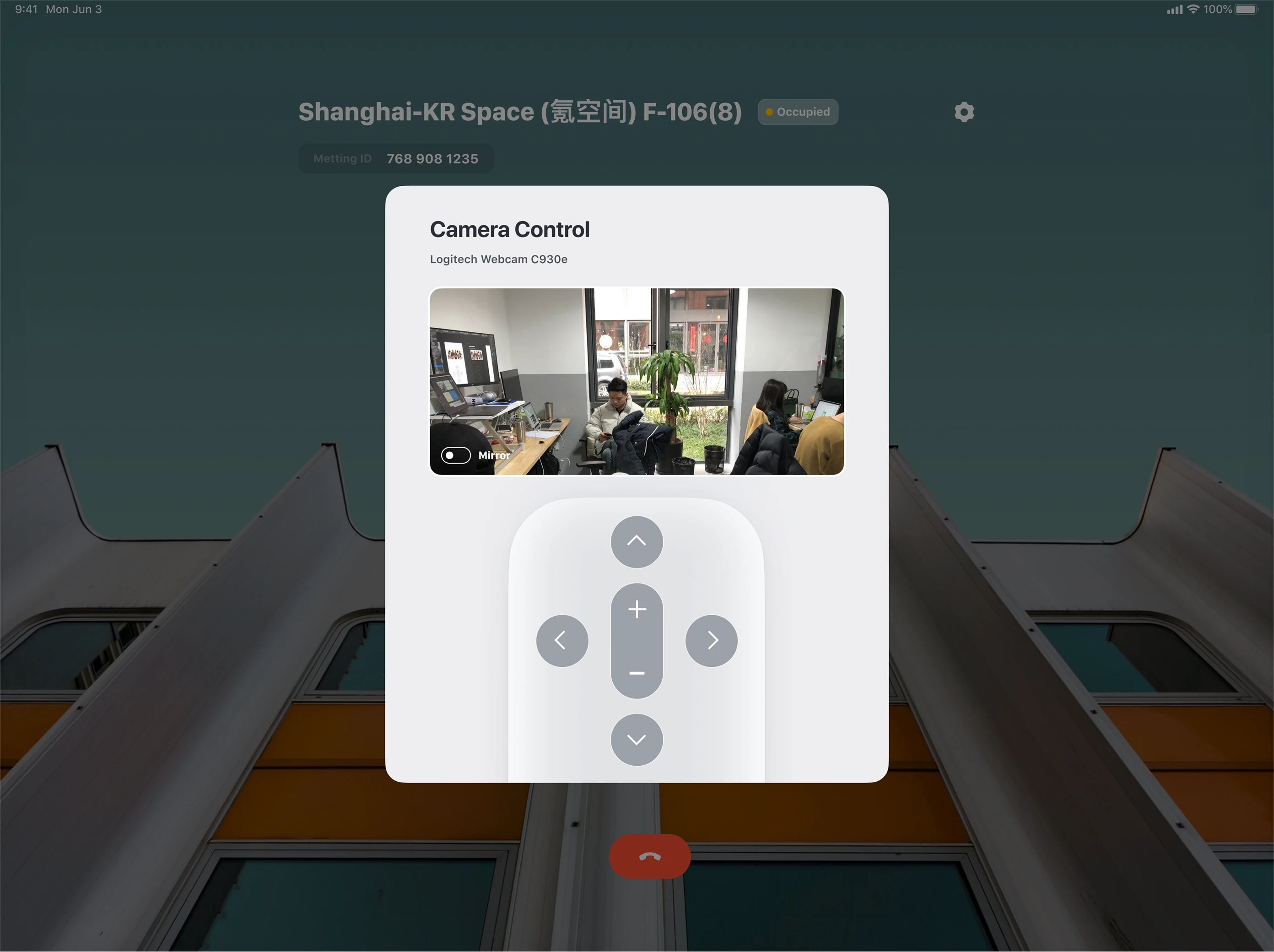
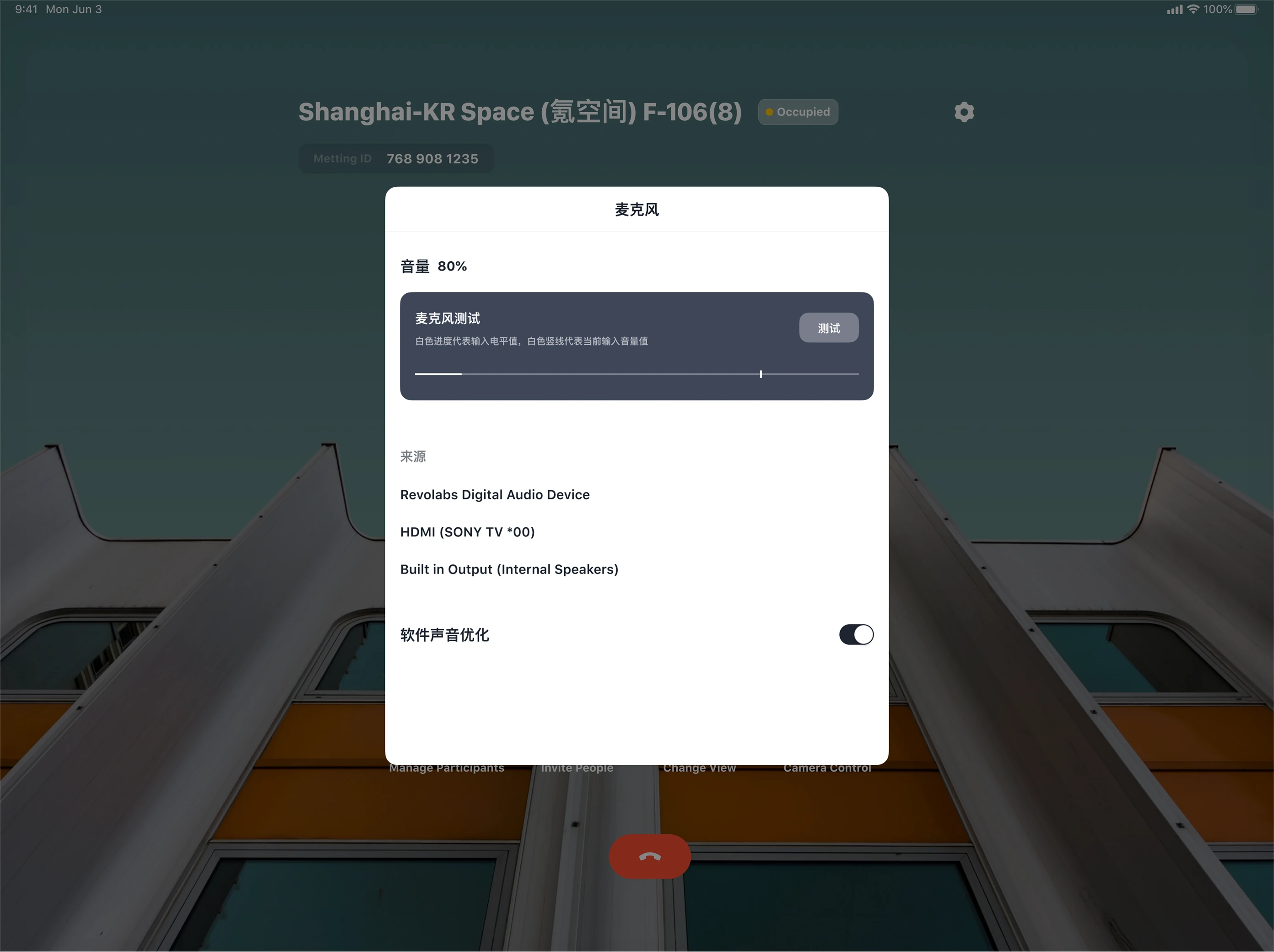
Tap the iPad to start an instant meeting and access in-meeting controls while View Room displays the meeting video
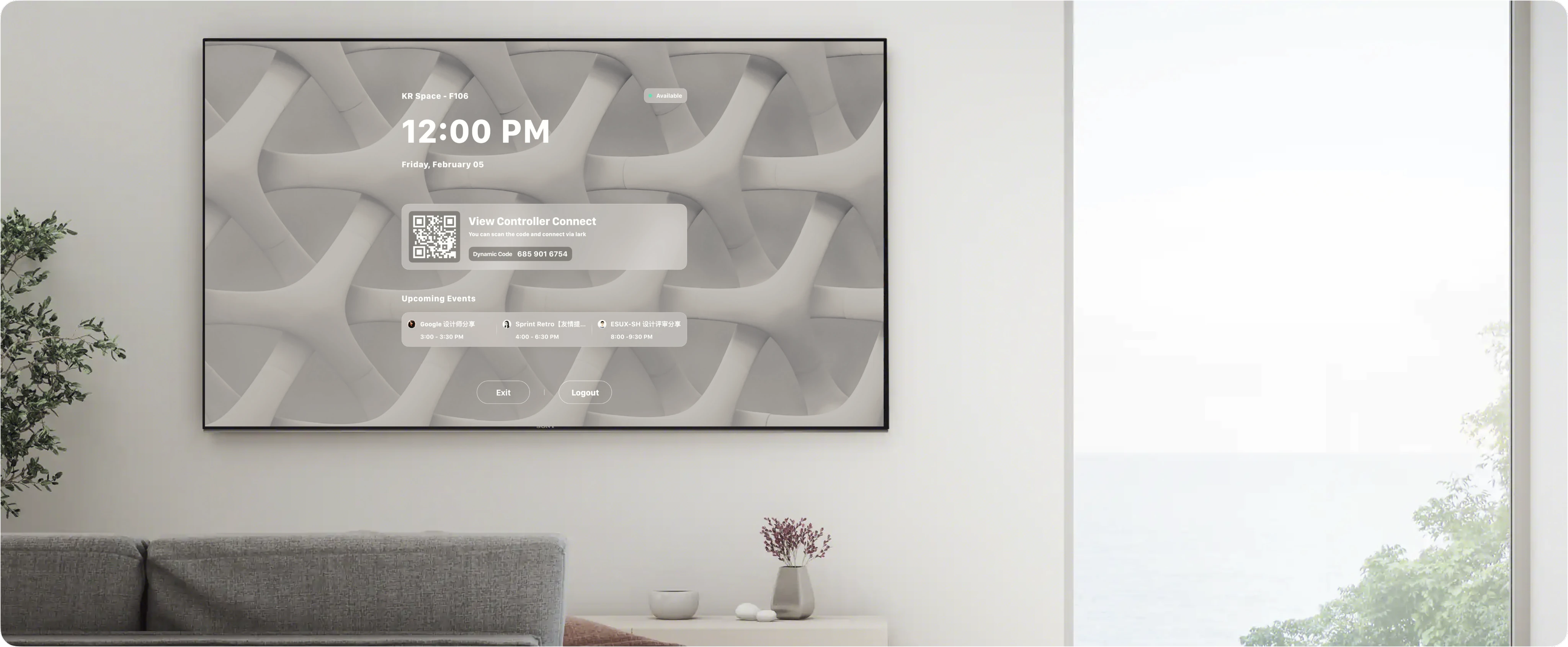
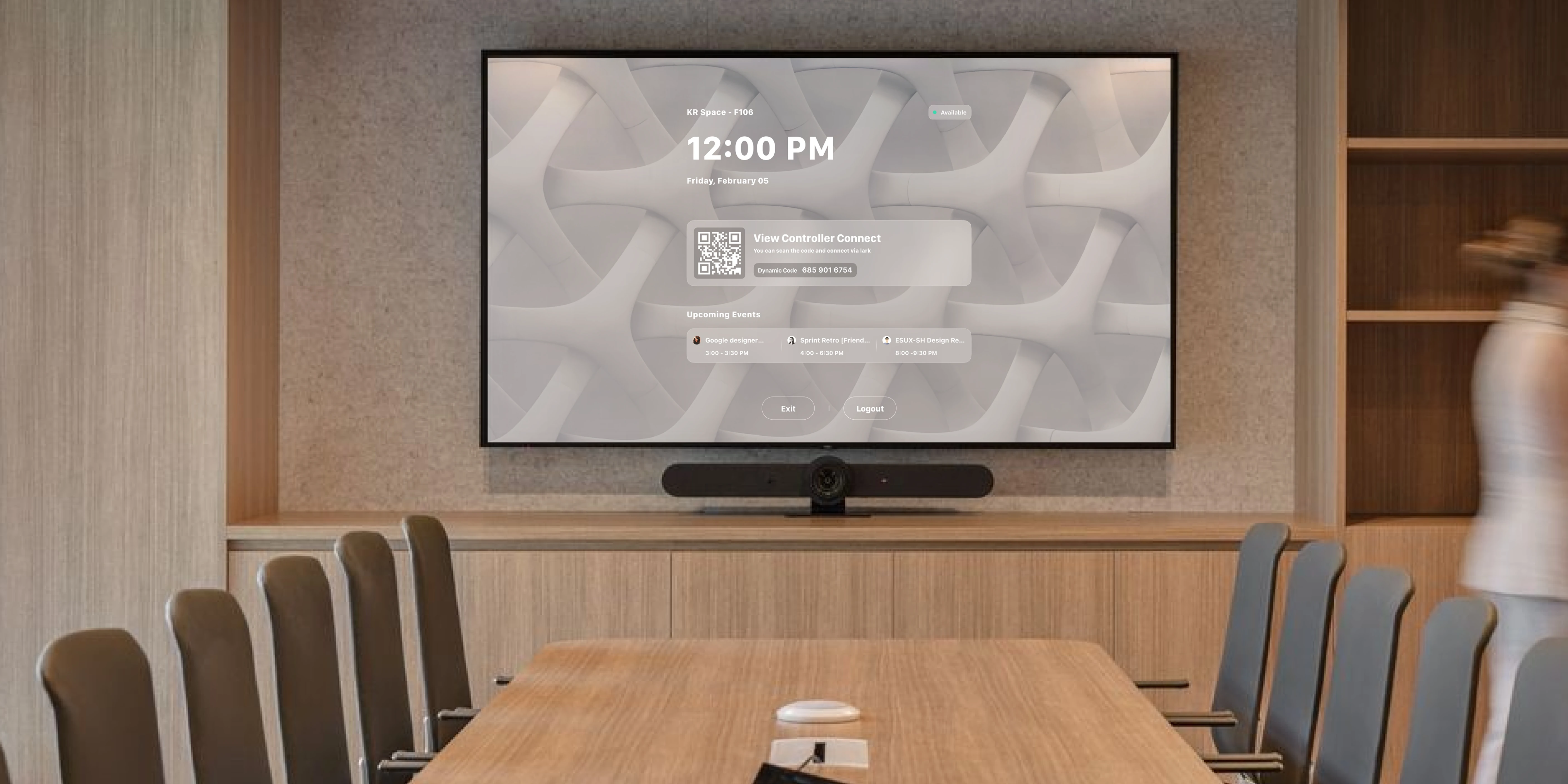
On the Mac mini View Room initialization screen, guide the IT admin to open View Room Controller on the iPad mini and complete pairing
View Room
System Control
The PC operates the local screen through the Lark client, while a participant’s device is cast to View Room
The IT admin powers on the Mac mini, connects a mouse and keyboard, opens View Room, and enters the initialization screen